TL;DR: Adding video to your Amazon listing can increase conversion rates by up to 80%, improve customer trust, and boost SEO. This step-by-step guide shows US sellers how to create, optimize, and upload high-performing product videos—even with limited resources.
Key Takeaways
- Amazon product videos can increase conversion rates by up to 80% and reduce return rates by clearly showing product use.
- Follow Amazon’s video upload rules: MP4 or MOV format, under 5GB, 480p minimum resolution, and duration under 2 minutes for main videos.
- Best practices include showing real-life use cases, highlighting key features, using subtitles, and optimizing for mobile viewing.
- Even small sellers can benefit—videos level the playing field by building trust and reducing customer hesitation.
- Use tools like SellerSprite to audit your listing and identify opportunities for video integration and SEO improvement.
Table of Contents
Note on marketplaces: This guide is specifically optimized for the US market.
Why Video Matters in Amazon Listings
In the crowded Amazon marketplace, standing out is no longer optional—it's essential. One of the most powerful tools at your disposal? Video. According to Amazon, listings with video see up to 80% higher conversion rates compared to those without. That’s not just a stat—it’s a game-changer for sellers at every level, from beginners to enterprise brands.
Why does video work so well? Because it builds trust. Shoppers can’t touch or try products before buying, so they rely on visuals. A well-crafted video shows your product in action, answers unspoken questions, and reduces purchase hesitation. It’s like having a salesperson in every customer’s pocket.
For new sellers, video helps establish credibility. For growing brands, it differentiates your offering. And for marketing managers, it’s a high-ROI content format that supports broader campaigns. Whether you're selling kitchen gadgets or fitness gear, video gives you a competitive edge.
Amazon Video Upload Rules & Technical Requirements
Before you create your video, you must understand Amazon’s technical and content guidelines. Violating these can result in rejection or even account warnings. Here’s what you need to know:
File Format & Size
Amazon accepts MP4 and MOV formats. The file size must be under 5GB. While larger files can offer better quality, they may fail to upload on slower connections. Aim for a balance—use H.264 compression for optimal quality-to-size ratio.
Resolution & Aspect Ratio
Minimum resolution is 480p, but we recommend 1080p (1920x1080) for sharp, professional quality. The ideal aspect ratio is 16:9 (landscape), which displays best on desktop and mobile. Avoid vertical videos unless you're creating for Amazon Posts or Stories.
Duration
Main product videos should be under 2 minutes. For A+ Content or Enhanced Brand Content (EBC), you can go up to 3 minutes. Shorter videos (30–60 seconds) tend to perform better—attention spans are short, especially on mobile.
Content Restrictions
Amazon prohibits:
- Off-platform contact info (emails, websites, social media)
- Pricing or promotional claims (“50% off”)
- Competitor comparisons
- Profanity, nudity, or dangerous behavior
- Text overlays that cover more than 25% of the screen
Stick to showing your product in use, highlighting features, and demonstrating benefits. No voiceovers? No problem—add subtitles instead.
![Amazon product video technical requirements infographic]](https://o.sellersprite.com/docs/202604/sellersprite-2026041410035691747.jpg)
Step-by-Step: How to Create a High-Converting Amazon Product Video
You don’t need a Hollywood budget to create a compelling Amazon video. Here’s a proven 6-step process:
Step 1: Define Your Goal
Are you trying to explain a complex feature? Show real-world use? Or build brand trust? Your goal shapes the script. For example, a coffee maker video should show brewing, ease of cleaning, and taste—answering the top customer concerns.
Step 2: Write a Simple Script
Keep it short: 30–60 seconds. Structure it like this:
- Hook (0–5 sec): “Tired of tangled earbuds?”
- Demonstration (5–30 sec): Show the product solving the problem
- Features (30–50 sec): Highlight 2–3 key benefits
- Close (50–60 sec): “Get yours today” + brand logo
Step 3: Film with What You Have
Use your smartphone. Film in natural light near a window. Use a tripod or stack of books for stability. Shoot multiple takes. Focus on clean, steady shots of the product in use—no shaky cam.
Step 4: Edit for Clarity and Pace
Use free tools like CapCut, DaVinci Resolve, or iMovie. Trim dead air, add background music (keep it low), and insert text overlays for key points. Add subtitles—60% of videos are watched without sound.
Step 5: Optimize for Mobile
Most Amazon shoppers are on mobile. Ensure text is large, actions are clear, and the product fills the frame. Test your video on a phone before uploading.
Step 6: Upload via Seller Central
Go to Inventory > Manage Inventory > Edit > Upload and Manage Video. Select your ASIN, upload the file, and wait for processing (can take up to 24 hours). Once approved, it will appear on your listing.
Pro Tip: Use SellerSprite’s listing editor to preview how your video integrates with your title, images, and bullet points for a cohesive look.
Video Optimization Best Practices for Maximum Impact
Creating a video is just the start. Optimizing it ensures it converts. Follow these best practices:
1. Start with the Problem
The first 3 seconds are critical. Open with a pain point: "Struggling to open jars?" Then show your product as the solution. This grabs attention and aligns with customer intent.
2. Show, Don’t Tell
Instead of saying “durable material,” show someone dropping the product or using it aggressively. If live filming isn't an option, text-to-video AI can visualize these scenarios from a written description. Visual proof builds credibility faster than claims.
3. Highlight Key Features with Text Overlays
Use short, bold text to emphasize benefits: “Waterproof,” “30-Minute Charge,” “Fits All Phones.” Keep it under 25% screen coverage to comply with Amazon’s rules.
4. Add Subtitles
Over 60% of social and e-commerce videos are watched on mute. Subtitles ensure your message is received even without sound. Most editing tools offer auto-captioning.
5. Use Real People and Real Scenarios
Customers trust authenticity. Film real users (friends, family, or customers) using your product in everyday settings. Avoid overly polished ads—Amazon shoppers want relatability.
6. Optimize for SEO
While Amazon doesn’t index video and audio, your video title and description matter. Use your primary keyword—“Using Video in Your Listing”—in the video file name and upload title. In the description, include relevant keywords like “Amazon product video,” “video listing optimization,” and “create Amazon video.”
Bonus: Link your video to Amazon SEO best practices by ensuring your listing copy reinforces the video’s message.
How to Measure the Impact of Your Product Video
You’ve uploaded your video—now what? Track these metrics to measure success:
1. Conversion Rate (CVR)
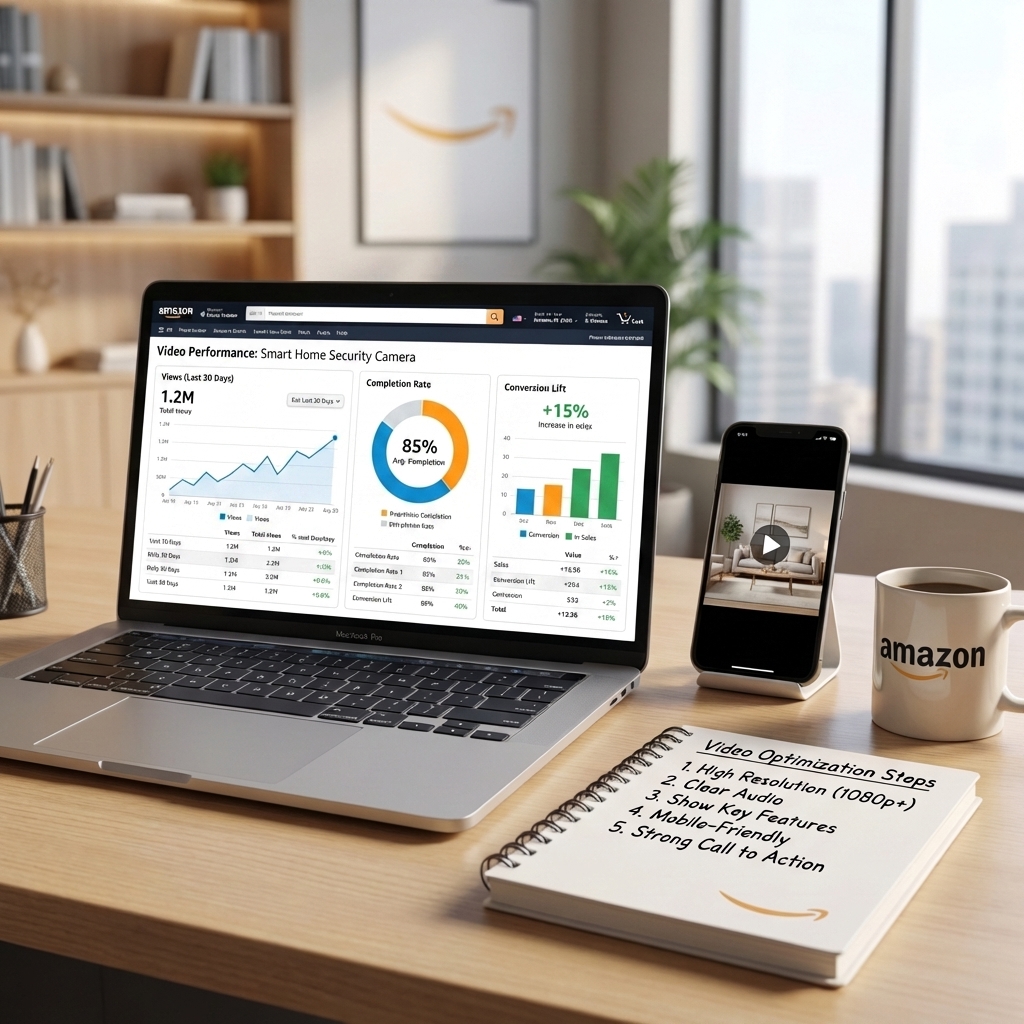
Compare your CVR before and after video upload. Use Amazon Brand Analytics or third-party tools like SellerSprite to track changes. A 20–80% increase is common.
2. Video Views & Completion Rate
In Seller Central, go to Reports > Business Reports > Video Performance. Look for high view counts and completion rates. If most viewers drop off at 10 seconds, your hook isn’t strong enough.
3. Return Rate
A clear video reduces “not as described” returns. Monitor return rates post-upload. Many sellers report 15–30% decreases after adding video.
4. Customer Reviews
Scan reviews for mentions like “video helped me understand” or “saw it in action.” Positive sentiment around clarity is a win.
Use these insights to refine future videos. Test different hooks, lengths, or feature highlights. Continuous improvement is key.
FAQ
How does adding a video to my Amazon listing improve conversion rates?
Adding a video improves conversion rates by providing a dynamic, real-world demonstration of your product. Shoppers are more confident when they see how a product works, its size, quality, and use cases. Amazon reports that listings with video convert up to 80% better than those without, as video reduces uncertainty and builds trust quickly.
What are the best practices for creating a product video on Amazon?
Best practices include: starting with a strong hook in the first 3 seconds, showing the product in real-life use, highlighting 2–3 key features with text overlays, adding subtitles, keeping videos under 2 minutes (ideally 30–60 seconds), filming in 1080p with good lighting, and optimizing for mobile viewing. Avoid prohibited content like pricing or competitor mentions.
Can small Amazon sellers benefit from using videos in their listings?
Absolutely. In fact, video can be a game-changer for small sellers. It levels the playing field by building instant credibility and reducing customer hesitation. Even a simple smartphone video that clearly shows your product’s value can outperform professional ads from bigger brands if it’s authentic and customer-focused.
Do I need professional equipment to create an Amazon product video?
No, you don’t need professional gear. A modern smartphone, natural light, a steady surface, and free editing apps like CapCut or iMovie are enough to create a high-quality video. Focus on clear visuals, good audio (or subtitles), and demonstrating real use cases.
Where can I upload my Amazon product video?
You can upload your video through Seller Central: go to Inventory > Manage Inventory > select your ASIN > Edit > Upload and Manage Video. Brand-registered sellers can also add videos to A+ Content for richer storytelling.
Next Steps
- Use SellerSprite’s free tools to audit your current listing and identify video opportunities.
- Follow the step-by-step guide above to create your first product video in under 48 hours.
- Explore the Amazon SEO & Listing Optimization Guide to align your video with broader optimization strategies.
References
- Amazon Seller Central Video Guidelines View
- The Ultimate Amazon Listing Audit Checklist for US Sellers View
- BEST Way to Add Or Edit Your Listing View
By SellerSprite Success Team
The SellerSprite Success Team is a group of Amazon optimization experts with over 50 combined years of e-commerce experience. We specialize in helping US-based sellers improve listing performance, increase conversions, and scale profitably using data-driven strategies. Our content is rooted in real-world testing, Amazon policy updates, and direct feedback from thousands of sellers.


